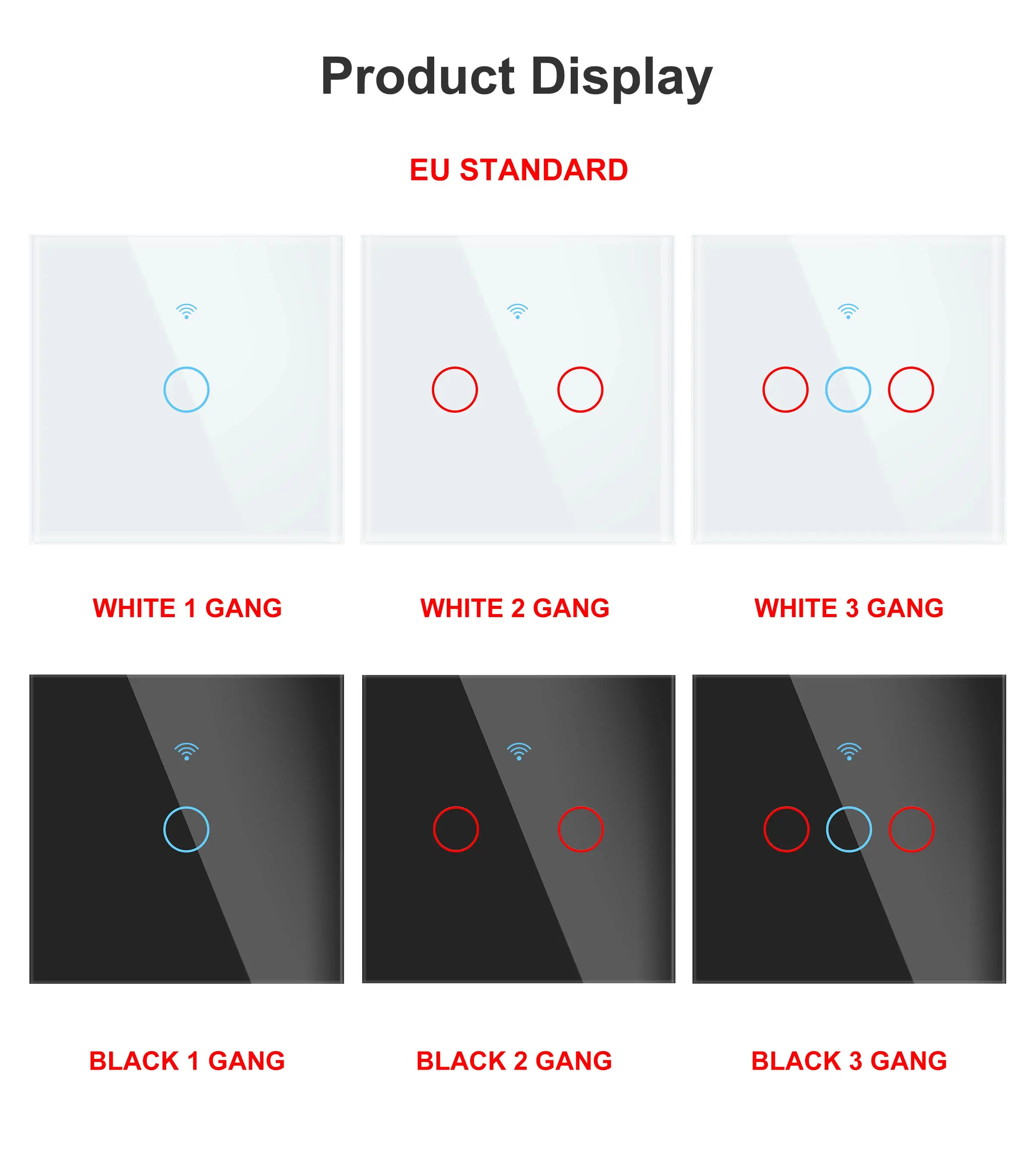
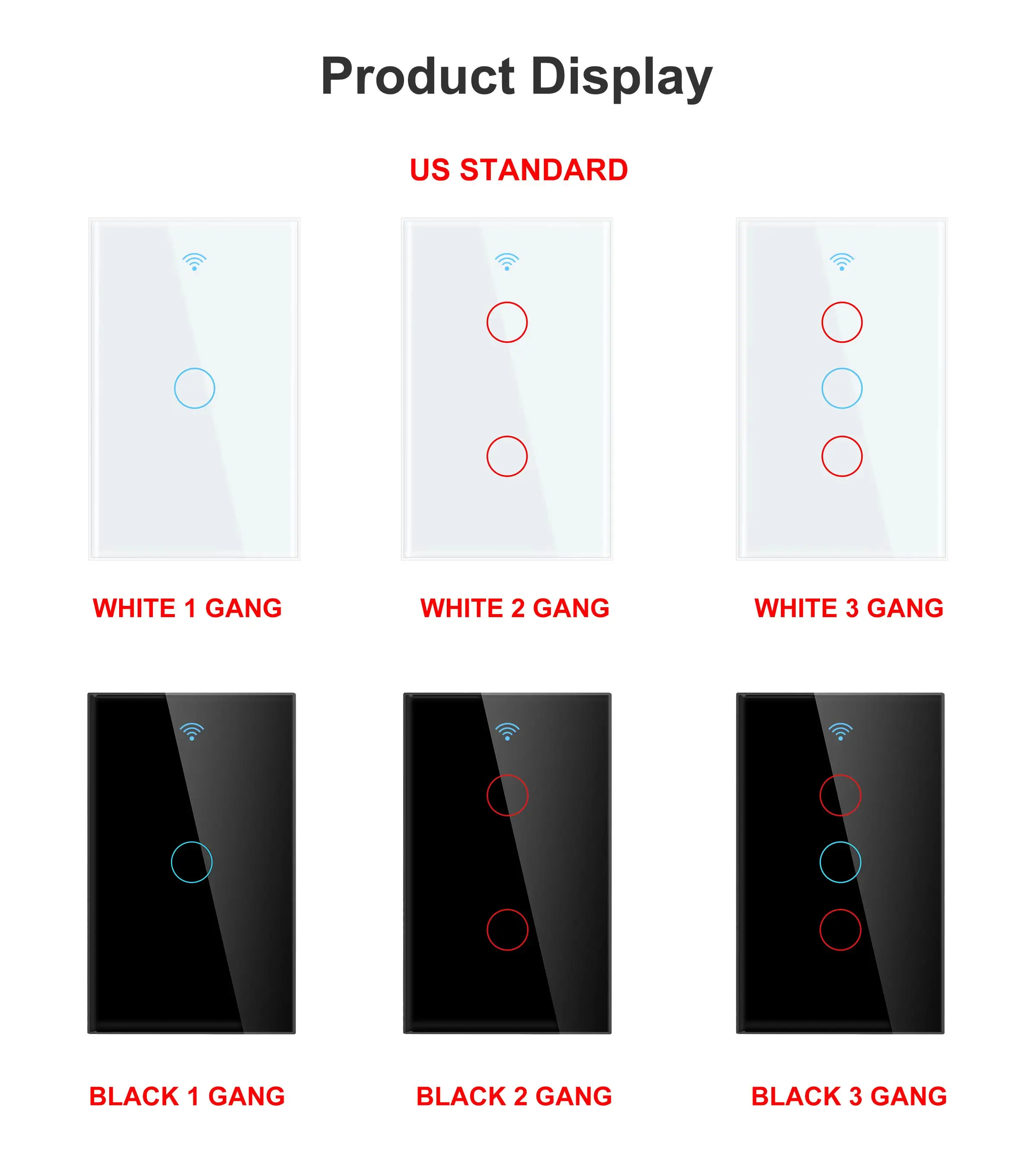
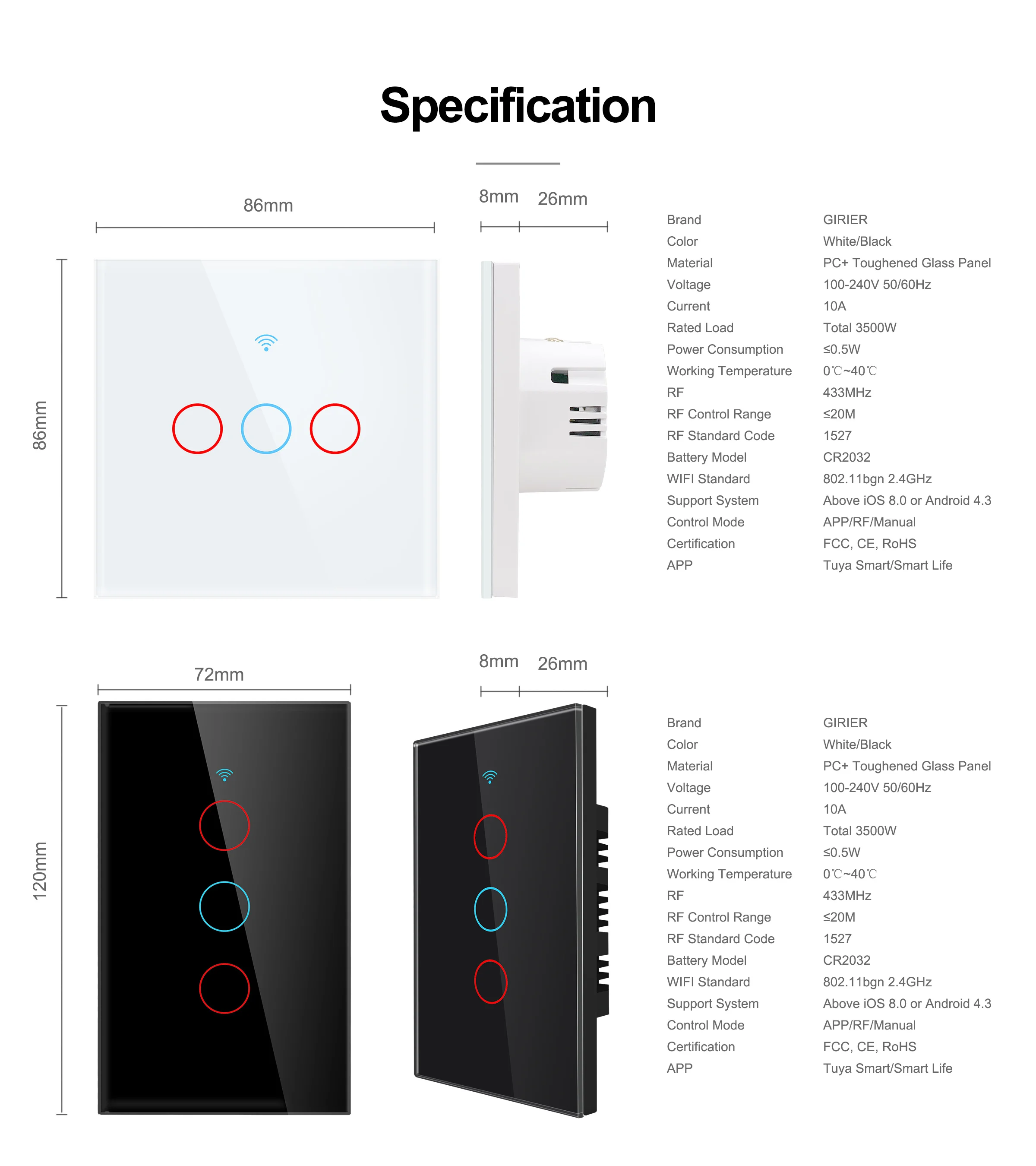
Especificaciones
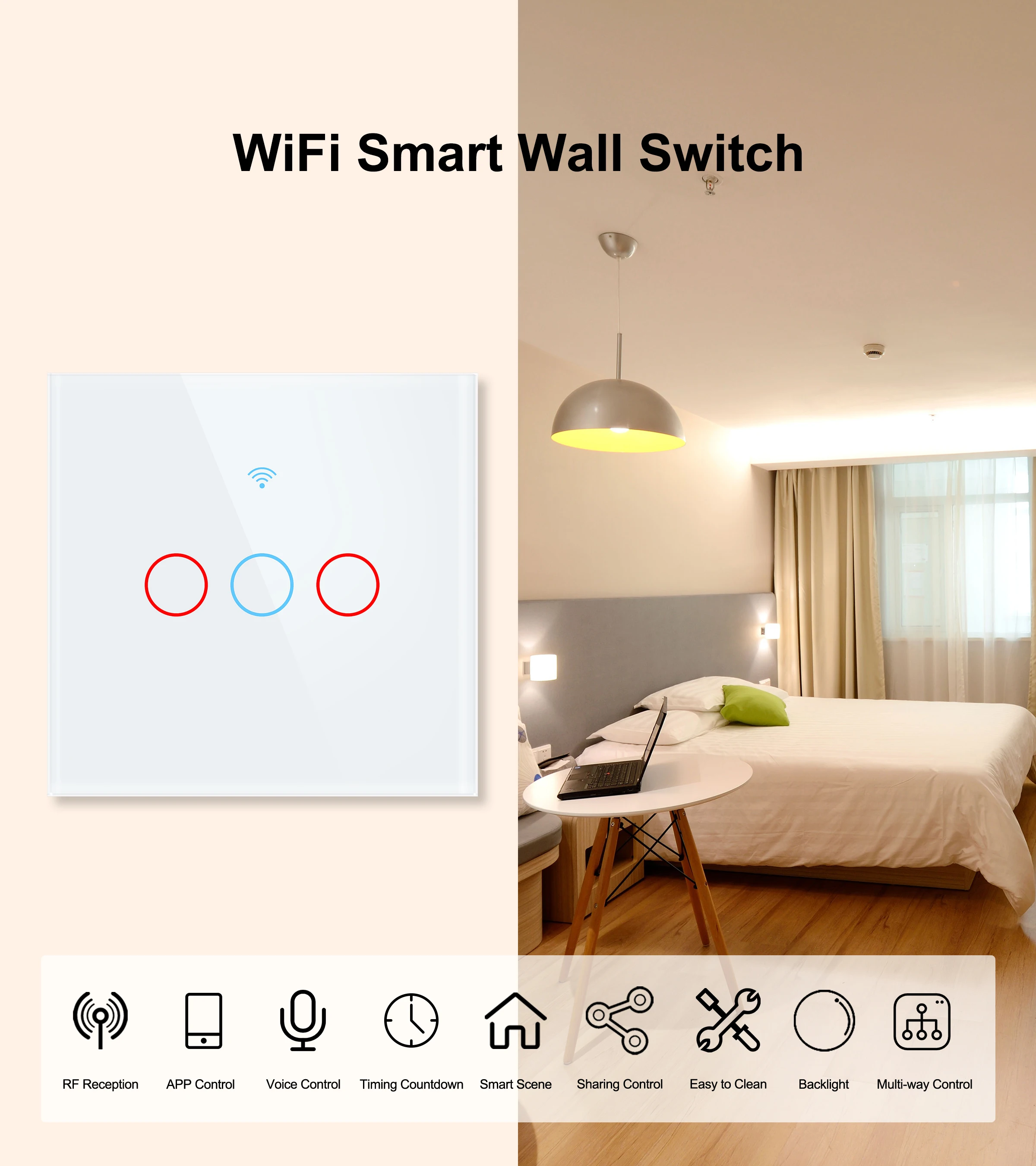
Color: blanco/negro
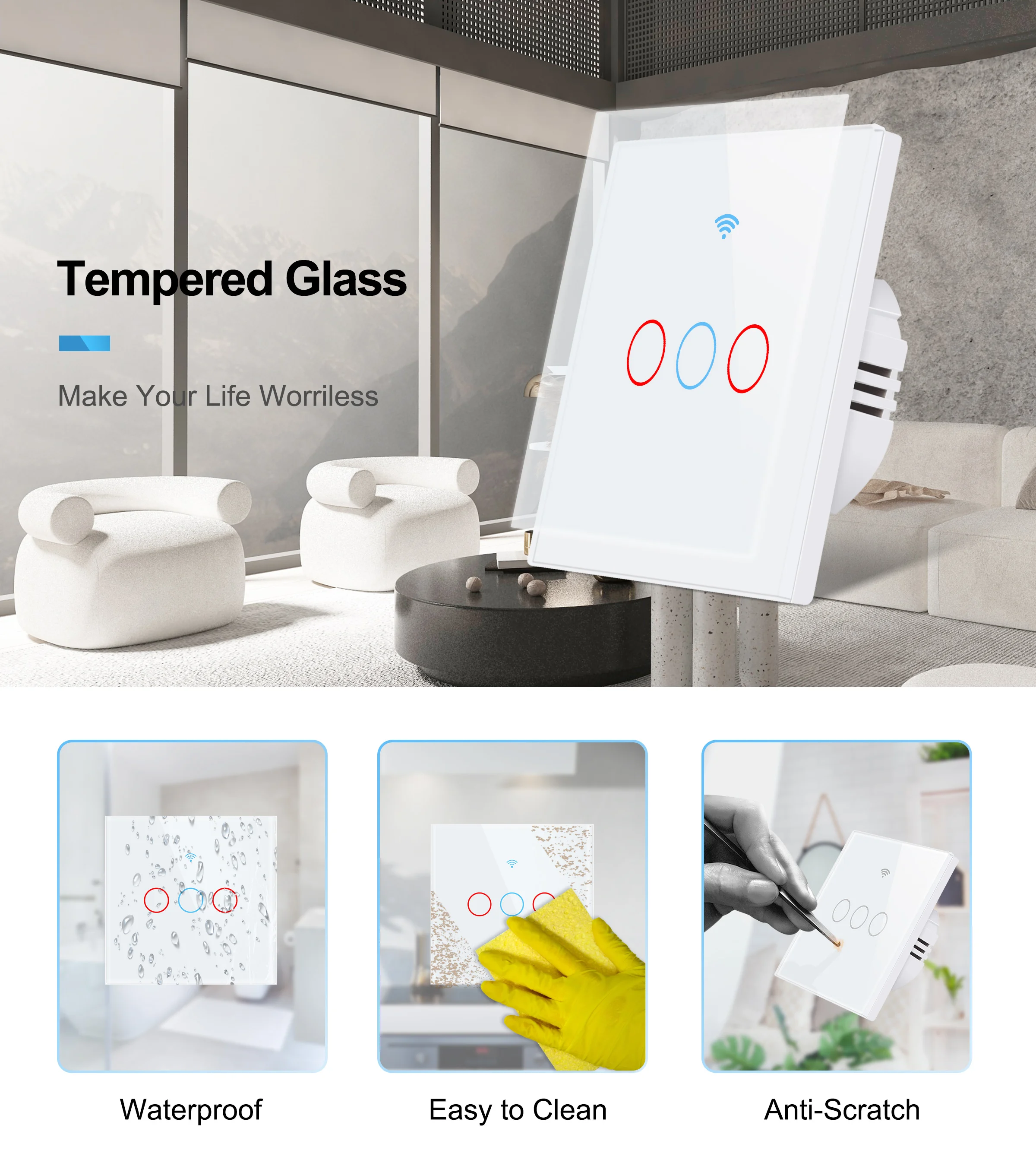
Material: PC + Panel de vidrio templado
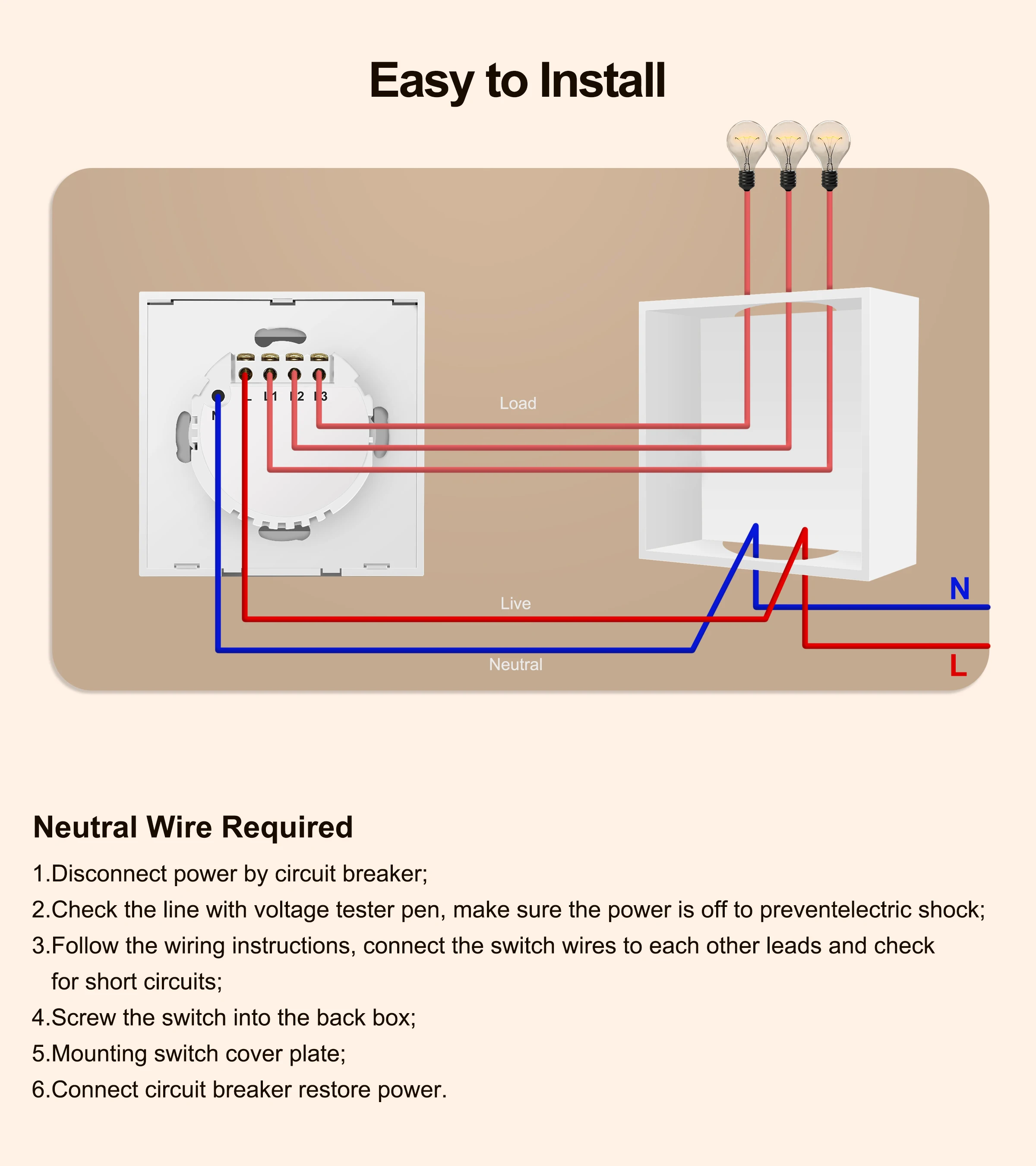
Tensión: 100-240V 50/60Hz
Corriente: 10a
Carga nominal: 5-150W/Gang
Consumo de energía: ≤ 0,5 W
HOW TO USE IT?
App Pairing
Before pairing, please make sure your wifi frequency is 2.4Ghz
Normal Mode
1.Download Smart Life or Tuya Smart app and register an account.
2..Long press any button on the device until indicator flash quickly
3. open the App and tap the icon "+" on the top right conner. Then choose switch(wifi) to start pairing.
4. Then follow the prompts to finish all the configuration.
5. If the connection is failed, pls reset it and try again. Or you can try to pair it by AP MODE.
AP Mode
1. Long press any button on the device until the indicator flash slowly.
2. open the App and tap the icon "+" on the top right corner. choose switch(wifi)
3. Tap "Other Mode" on the top right corner as well, then choose "AP Mode" to start pairing.
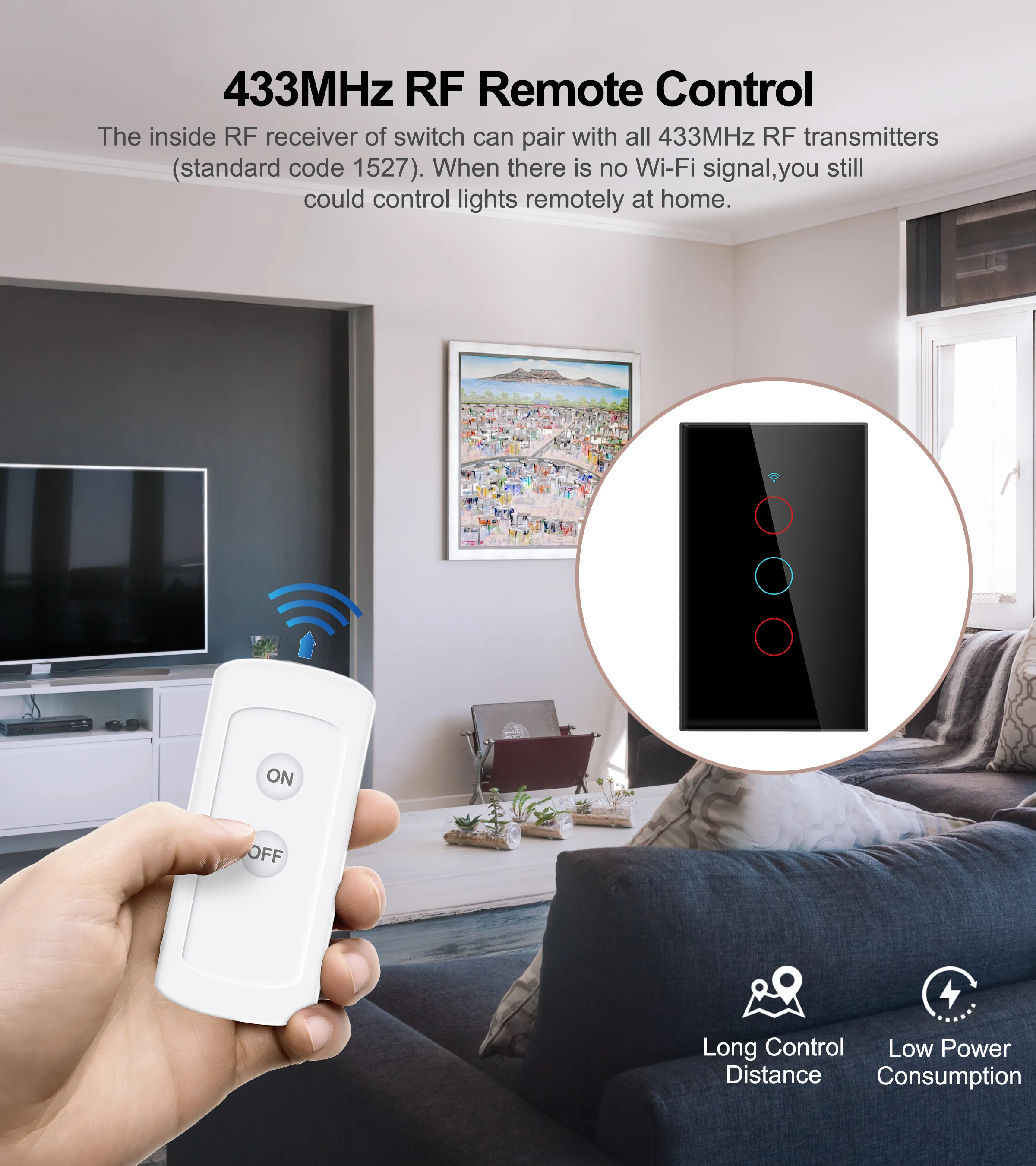
RF Pairing method
1. Long press any buttons of the switch about 5 seconds until the backlight flash quickly.
2. Then press any buttons of RF remote 1 time to finish pairing.
Product List
1*Smart Wifi Switch
1*User manual
2*Screws