Especificaciones
- Nombre de la marca: JNSUOSH
- Origen: CN(Origen)
- Compatibilidad con alta definición: 1.080 px (Full-HD)
- Tipo: Mínimo
- Número de modelo: M11-B
- Paquete: No
- Tamaño de la memoria integrada: No
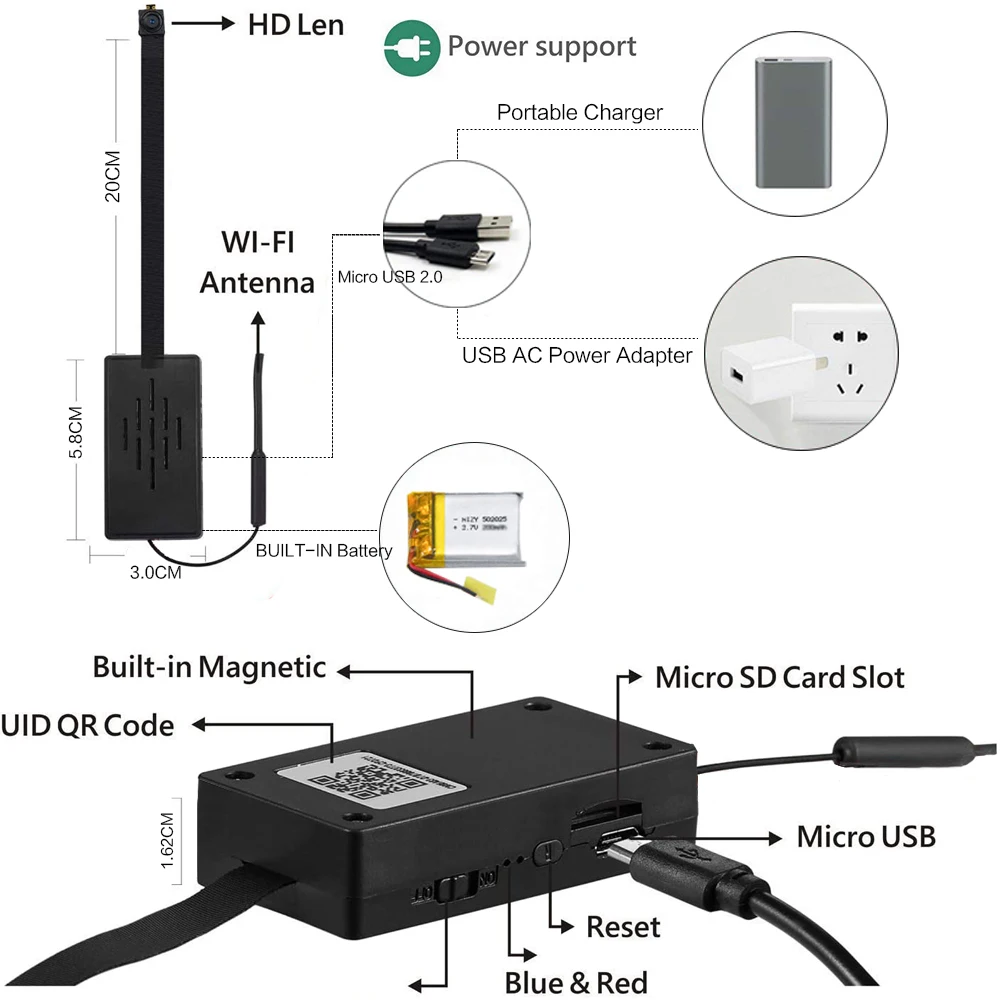
- Tipo de tarjeta de memoria: MicroSD/TF
- Tecnología del sensor: CMOS
- Certificación: NONE
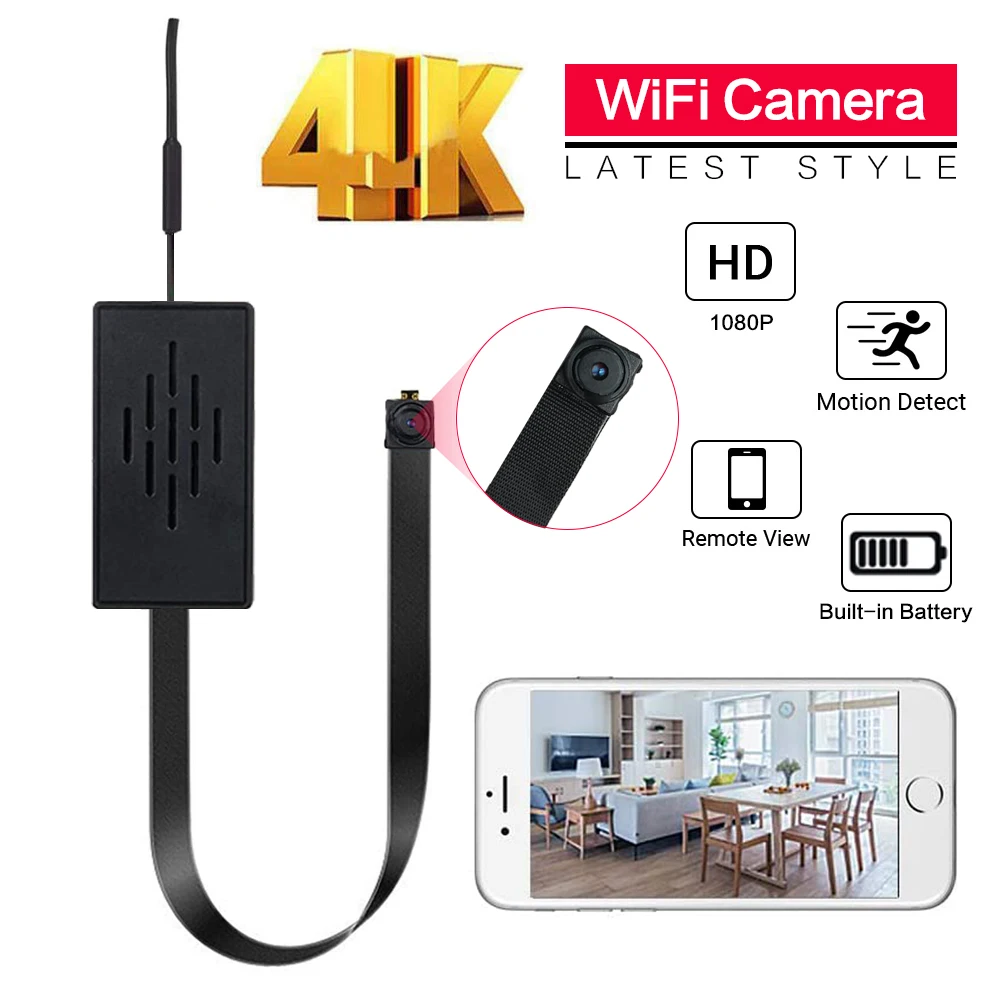
- Type: Wearable camera ip camera mini camera
- Maximum capacity of memory card: 128GB(Not included)
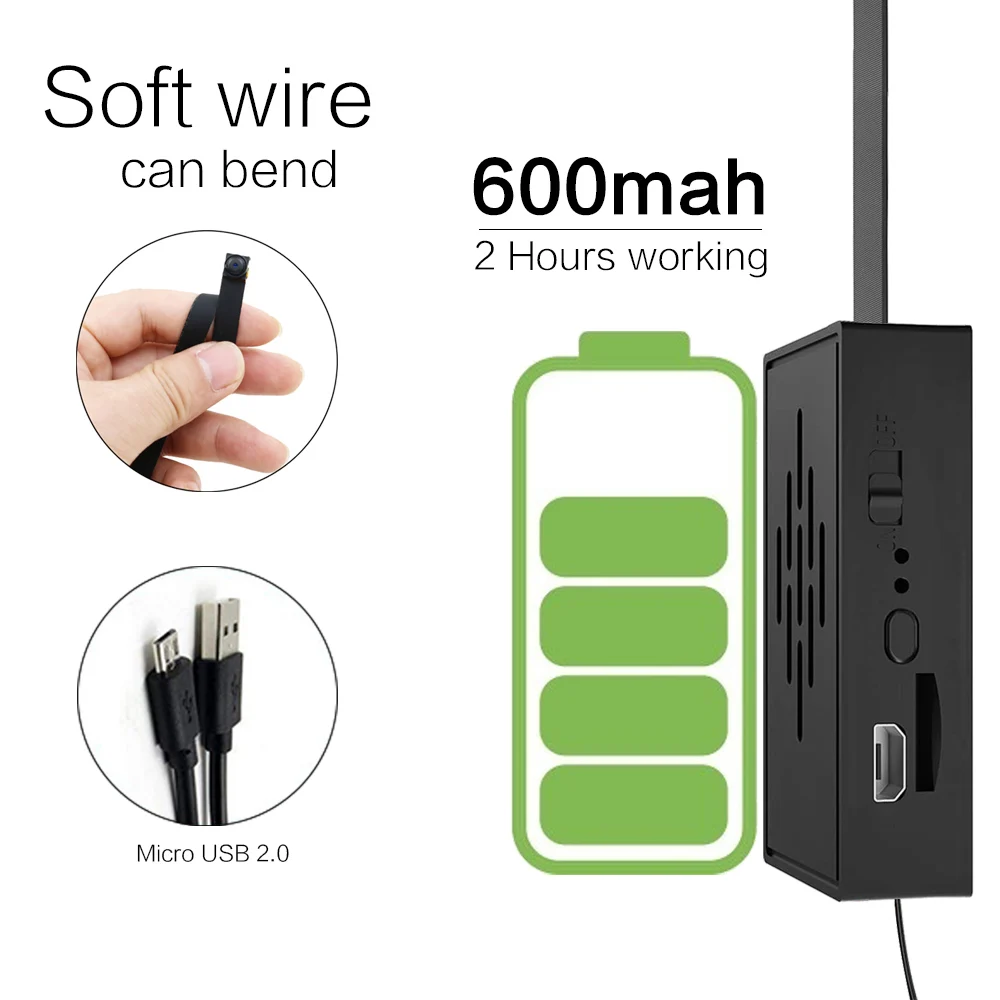
- Battery life time: about 2 HOURS
- Audio System: Built-in microphone
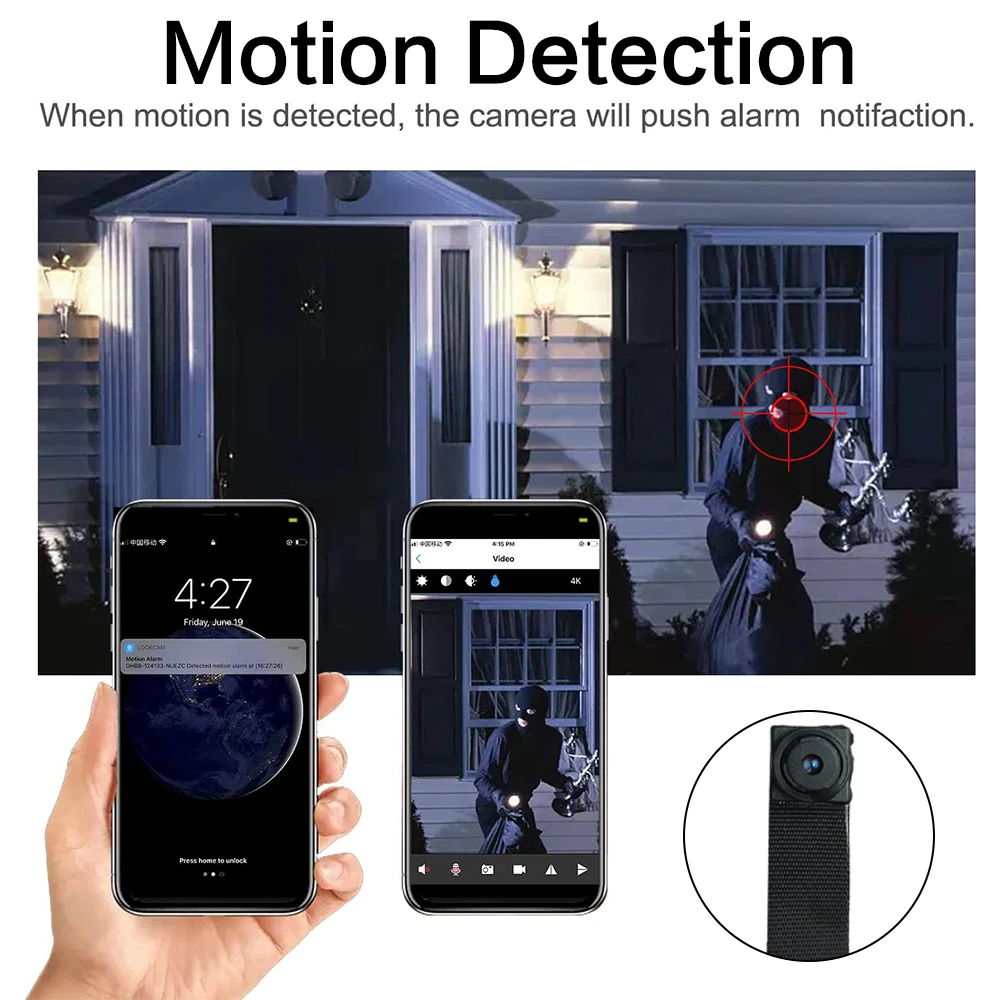
- Feature: Motion detection distance
- Feature1: WIFI Surveillance MINI CAMERA
- Feature2: AP Connect & P2P Connnect watching and control camera live
- Feature3: mini camera 1080P/720P
- Feature4: Smart Home Security IP Camera

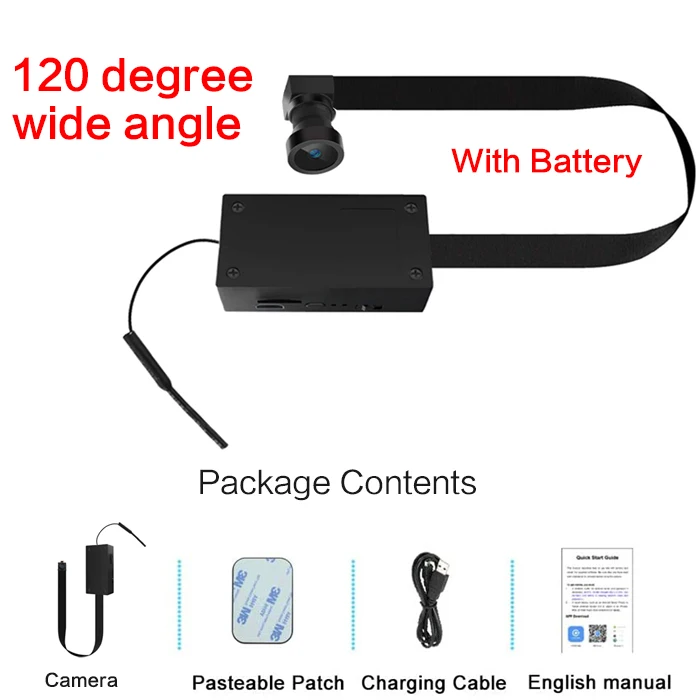
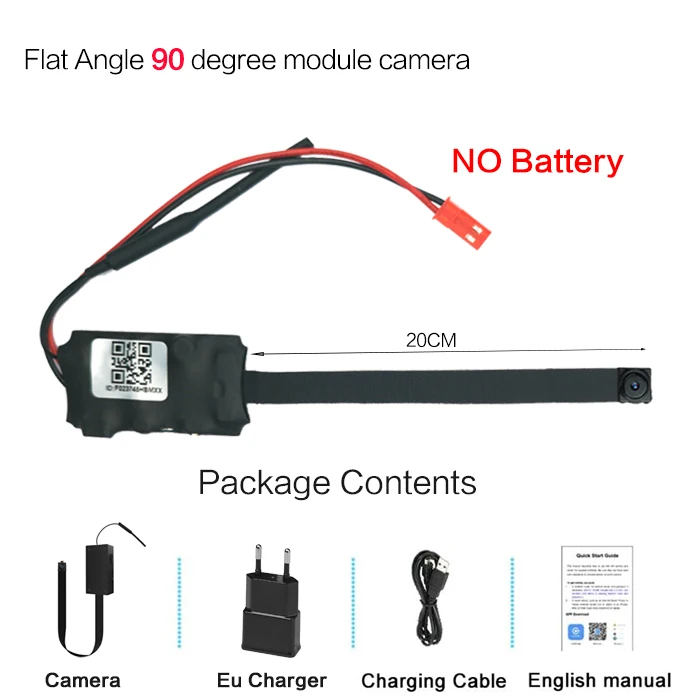
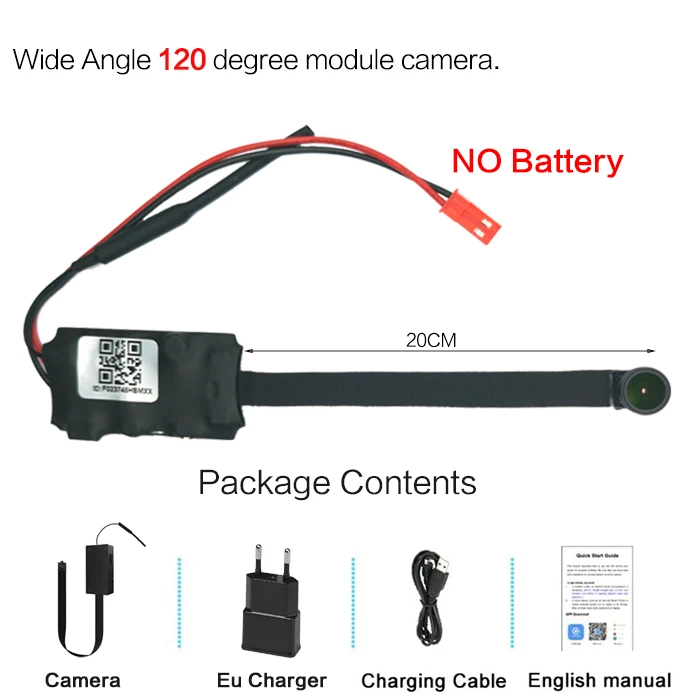
Download and install APP

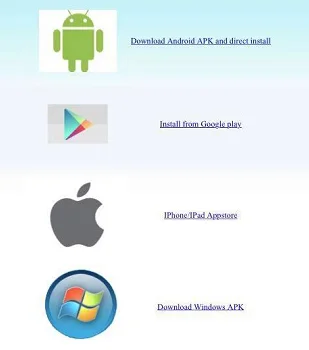
1) .Install by scanning the QR code:(Figure 1),entering download page(Figure 2)。Download the software according to the system selection of the phone.(After scanning the QR code, download by selecting the APP in the domestic version or overseas version according to the requirement)
2) .Android phone Search“ LOOKCAM” in Google App market to download and install it.
Apple phone Search“ LOOKCAM” in App Store to download and install it.
Addition of AP Hot Spots
Enter the phone WIFI settings, find the camera AP HotSpots account (device UID number) and connect. as the picture shows
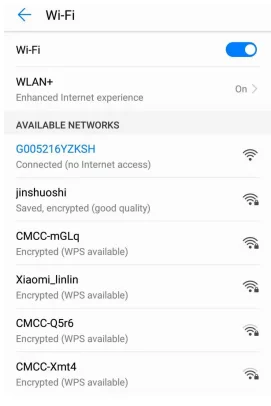
After connecting the device UID as shown below, open the phone app (LOOKCAM) .
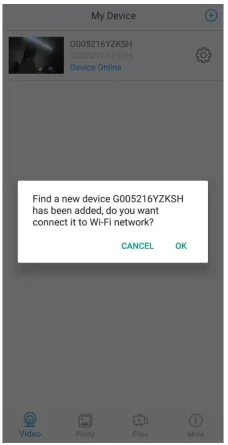
Router mode Connection (Remote viewing)
When you can watch the video with hotSpot, please go back to the previous level and enter the interface as shown.
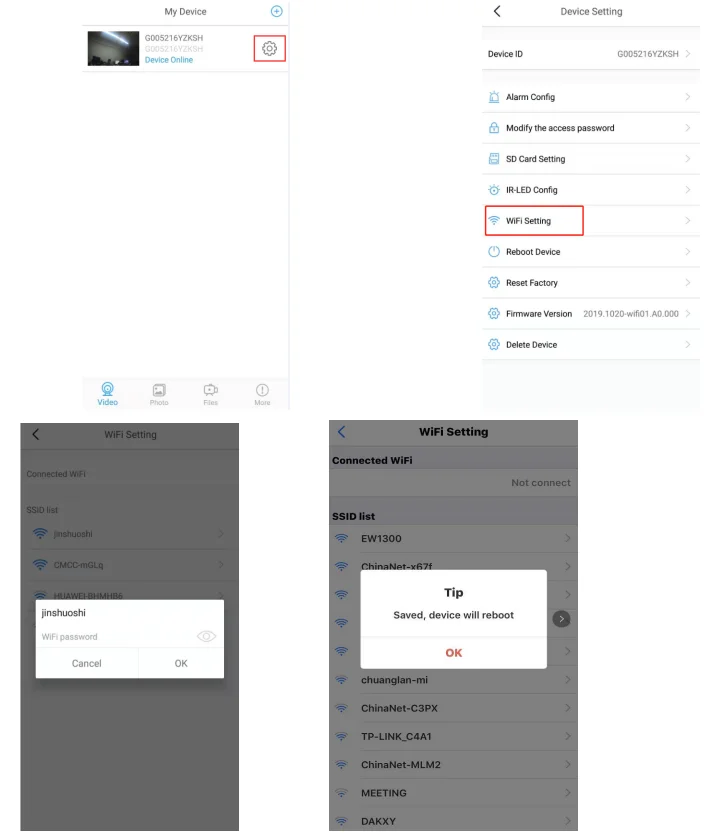
Click the Settings icon → WiFi Connection Configuration → Find WiFi → Enter Password → Click OK to restart the camera. (After camera connet to router, refresh the page, waiting for about 40 seconds and the camera status will become online.)